
FAQ & Troubleshooting
When something goes wrong while using, writing, or deploying EpoCanvas Docs, look for your symptom here. Problems are ordered by “local startup → documentation authoring → search → deployment”, and each one comes with the cause and a verified fix.
1. Local Startup and Installation Issues
Q1: pnpm run dev reports that port 4321 is already in use
-
Cause: A previously started dev server did not exit completely, or another program is using port 4321.
-
Fix: Start on a different port:
Terminal window pnpm run dev -- --port 4322
Q2: A Sharp module compilation error appears while installing dependencies
-
Cause: Sharp is the underlying C++ module used to compress images at build time. After a Node.js version change, the old cache may no longer match it.
-
Fix: Clean the dependencies and reinstall:
Terminal window rm -rf node_modules pnpm-lock.yamlpnpm install
Q3: pnpm install fails with packages field missing or empty
-
Cause:
pnpm-workspace.yamlis empty or incompletely formatted, so pnpm parses it as a workspace configuration file and errors out. -
Fix: Make sure the file contains the
packagesfield:packages:- .
2. Documentation Authoring and Rendering Issues
Q4: A newly created Markdown page does not appear in the left sidebar
-
Cause: The sidebar directory is declared manually; new files must be registered in the configuration.
-
Fix: Open
astro.config.mjsand append under the appropriate group in thesidebararray:{ label: 'New Feature', link: '/canvas/new-feature/' }
Q5: The terminal reports "title" is required
-
Cause: The
titleis missing from the Markdown header, or the opening three dashes---are malformed. -
Fix: Check the Frontmatter at the very top of the file:
---title: This is the article titledescription: This is the article description---
Q6: The page shows two identical large headings
- Cause: A level-one heading
#was written in the body. The Frontmattertitleis already rendered as the main heading, so a#in the body always duplicates it. - Fix: Remove the
#heading from the body and start sections at##. For the full rules, see How Rendering Works.
Q7: Wrote > [!TIP] but the aside does not change color and the text shows as-is
-
Cause: GitHub-style
> [!TIP]blockquote syntax is not supported; the Markdown compiler does not recognize it. -
Fix: Use the triple-colon syntax instead:
:::tipThis is the correct way to write it.:::
Q8: An inserted image shows as broken
- Cause: The image path is wrong, or the image was not placed in the
public/static directory. - Fix:
- Confirm the image is saved at
public/images/canvas/ui-docs-reading.png; - Reference it with an absolute path starting with
/: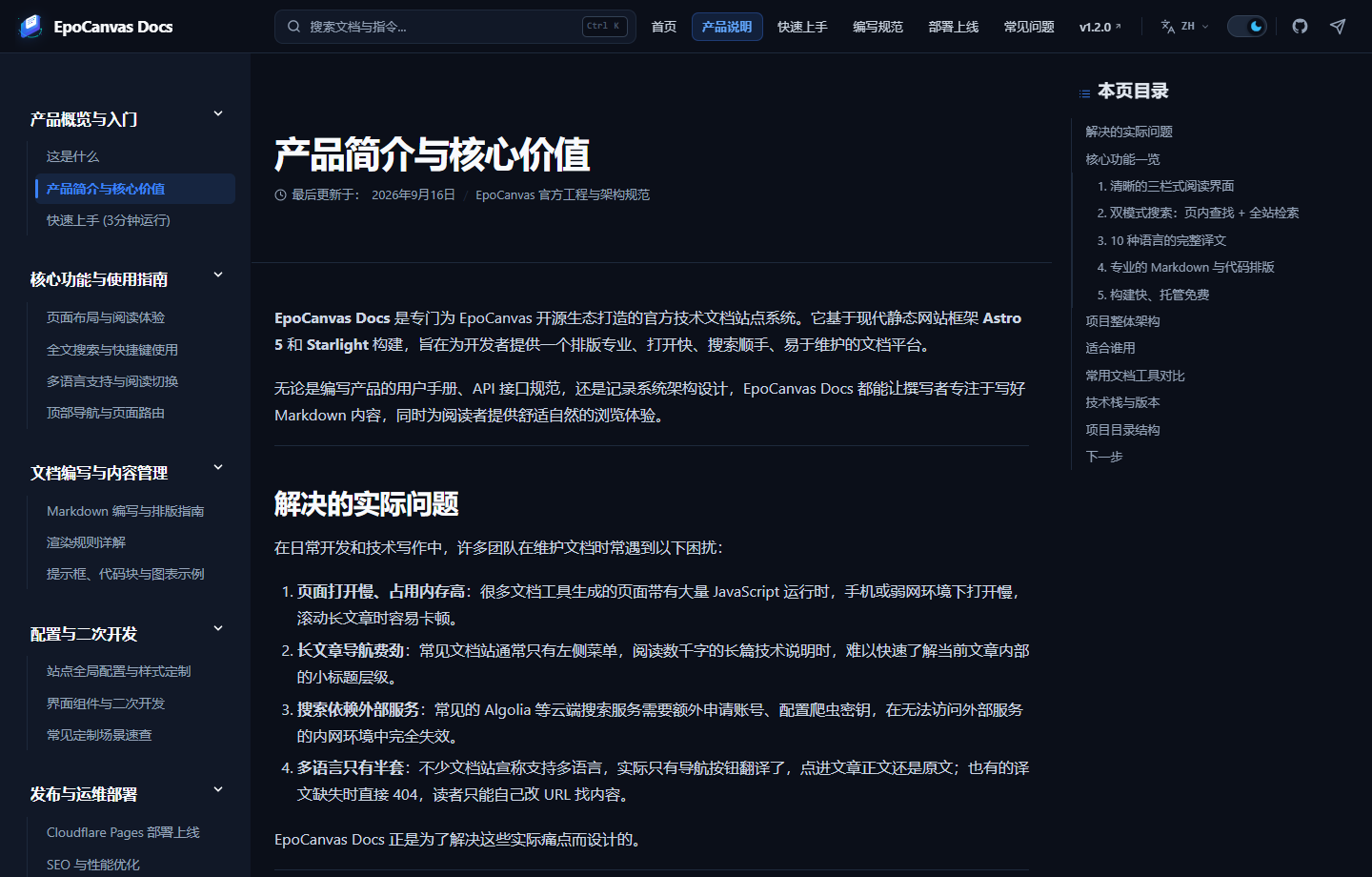. Do not use relative paths like../public/....
- Confirm the image is saved at
3. Search Issues
Q9: During local pnpm dev debugging, site-wide search cannot find a newly written article
-
Cause: Site-wide search depends on the Pagefind index, which is only generated during
pnpm run build. In dev mode theCtrl+Kdialog does not load the index (it opens without a search input), so site-wide search is unavailable there. This is expected framework behavior, not a site bug. -
Fix: Build fully and verify with the preview server:
Terminal window pnpm run buildpnpm run previewIn-page search from the top bar is not affected by this limitation; you can use it directly while developing to locate content on the current page.
Q10: Pressing Ctrl+K does not open the search dialog
- Cause: Some input methods, clipboard tools, or screenshot utilities occupy the
Ctrl+K/Cmd+Kkeyboard shortcut. - Fix: Click the small
Ctrl Kbadge to the right of the search box instead; it opens the same site-wide search dialog.
4. Cloudflare Pages Deployment Issues
Q11: A freshly bound custom domain reports an SSL handshake failure (Error 525)
- Cause: Issuing a Universal SSL certificate for a new domain takes Cloudflare 2–5 minutes to propagate globally.
- Fix: Wait a few minutes and hard-refresh (
Ctrl+F5/Cmd+Shift+R); in the meantime, use the default<project-name>.pages.devdomain, which is always available.
Q12: pnpm run deploy fails with Project not found
- Cause: The
--project-nameargument in the deploy command does not match the project name in the Cloudflare dashboard; or the local machine is not logged in. - Fix:
- Run
npx wrangler whoamifirst to confirm you are logged in; - Check the project name in the Cloudflare dashboard and, if necessary, correct the
--project-nameargument in thedeployscript ofpackage.json.
- Run
5. Pre-Commit Self-Check
Before pushing to GitHub, run the following command for a complete self-check (type check + full build):
pnpm exec astro check && pnpm run buildWhen astro check reports 0 errors and the build ends with Complete!, the documentation has no syntax errors and is safe to commit. The repository’s CI (build.yml) runs the same build after every push, so passing locally first avoids CI failures.